
Notifications
Clear all

Hello All,
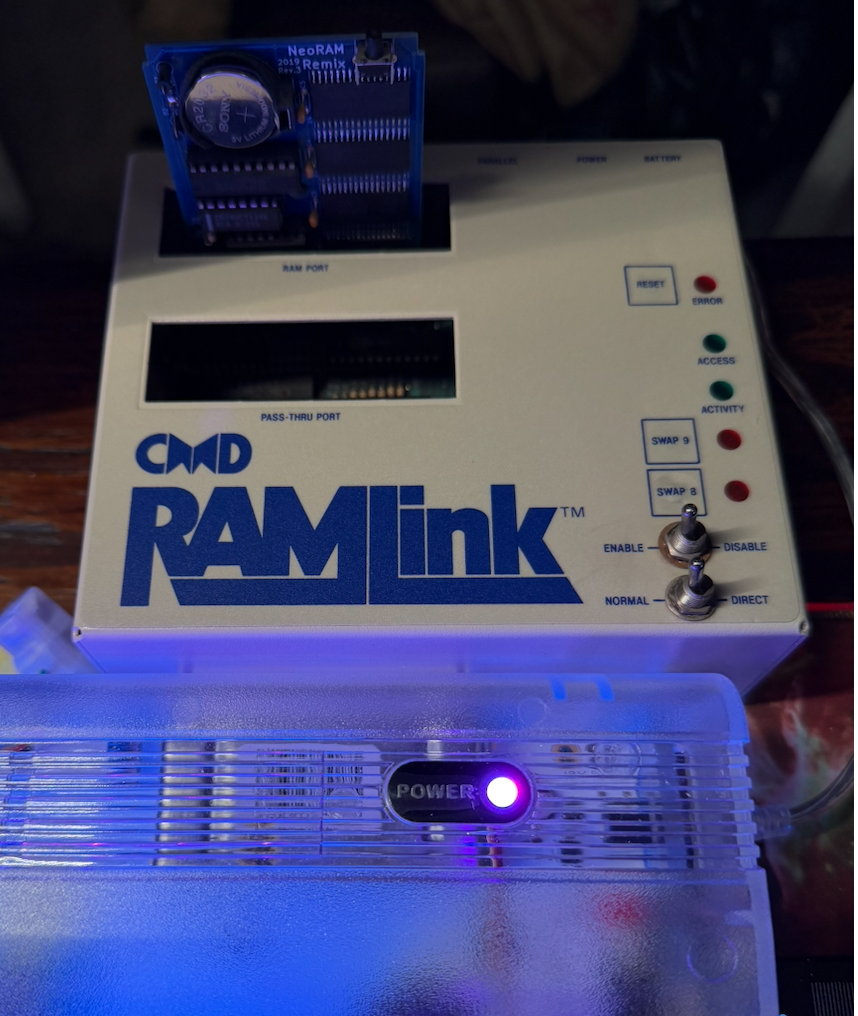
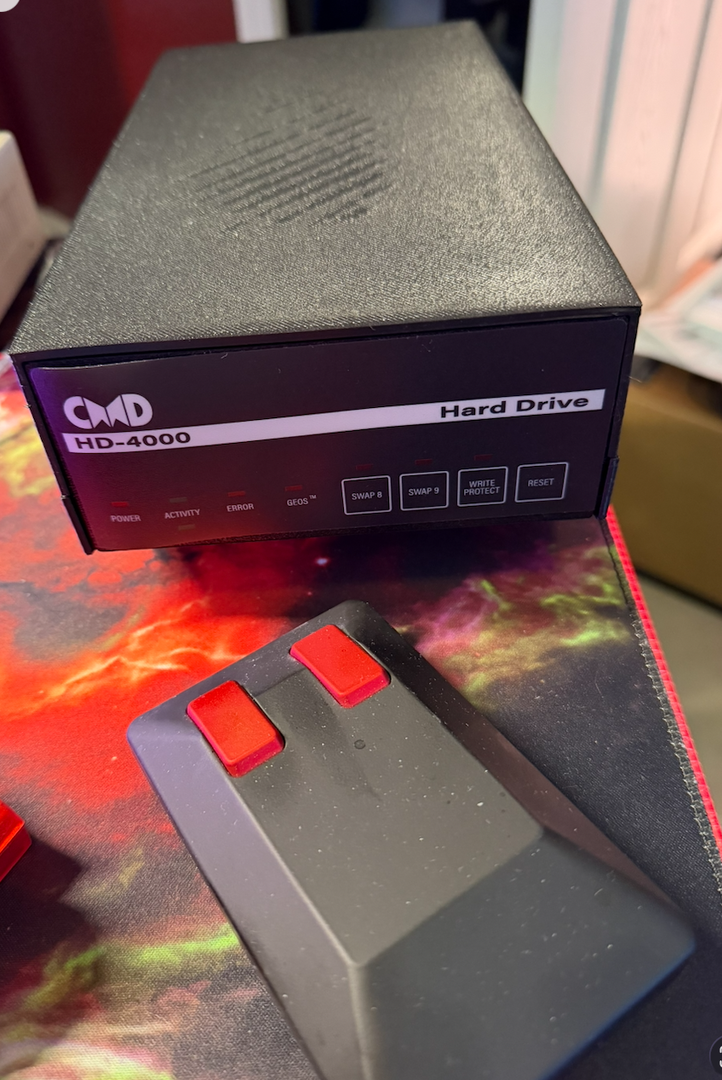
I bought a RAMLink (original 1990s v2 hardware) specifically to hook up to my reproduction CMD HD-4000 ( https://8bitboyz.com/messageboards/hardware/cmd-hd-4000-drive-remake/#post-903 ) via the parallel cable. The goal was fast parallel access for GEOS (and maybe a BBS experiment): keep the GEOS main/system/boot disk on one HD (parallel-linked through the RAMLink) and apps on the second HD via serial. This setup is supposed to give much better performance than plain serial.
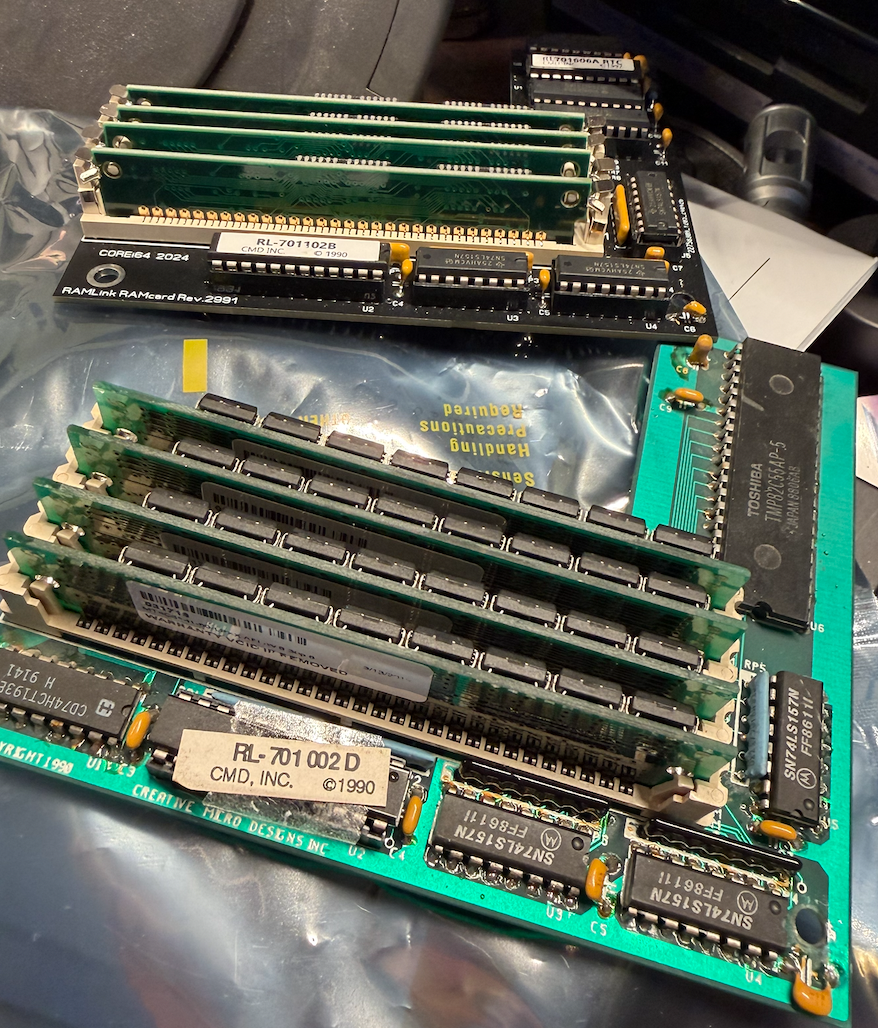
I have an Ultimate 64 running latest firmware 3.14 (Dynamic bus mode tested, Turbo off tested). I also have the new RAMcard XL v2 and a NeoRAM Remix.
What I have tried so far (in rough order):
• Full power clears: RAMLink PSU unplugged, battery disconnected, all SIMMs removed, waited 5–15+ minutes, re-seated firmly (including after they were stuck in the slots).
• Tested with original RAMcard and single/new/different 30-pin SIMMs (any slot).
• Ran RAM TEST (hung on “testing block addressing” for 25+ minutes with full load; also tested single SIMM).
• Used classic RAM-TOOLS and newer XL-patched tools: changed default device number (started at 0, set to 16/20/etc.), tried Delete All Partitions repeatedly, Initialize/Validate/ZAP SYSTEM, created tiny 256-block Native Mode and Foreign/DACC partitions.
• Switched Normal/Direct mode, tried Direct for table repair.
• Tried RD-INSTALL (got JiffyDOS warning even with no JiffyDOS loaded).
• Entered Ultimate menu with RAMLink disabled (Disable switch + C= + RESTORE), set Cartridge Bus Mode to Dynamic, turned Turbo completely off, disabled extra REU/turbo features.
• Swapped in the new RAMcard XL v2 (removed old RAMcard, installed XL with SIMMs).
• Removed all SIMMs from XL and tested with one SIMM only.
• Put NeoRAM Remix into the dedicated RAM port (no RAMcard installed at all) – same symptoms.
• Tested with parallel cable disconnected, then reconnected.
• Verified power sequence: always RAMLink PSU first → HD(s) → Ultimate 64.
• Confirmed Enable/Disable switch usage and that the built-in JiffyDOS wedge (@ commands) never activates.
Current symptoms (identical before and after XL swap and NeoRAM test):
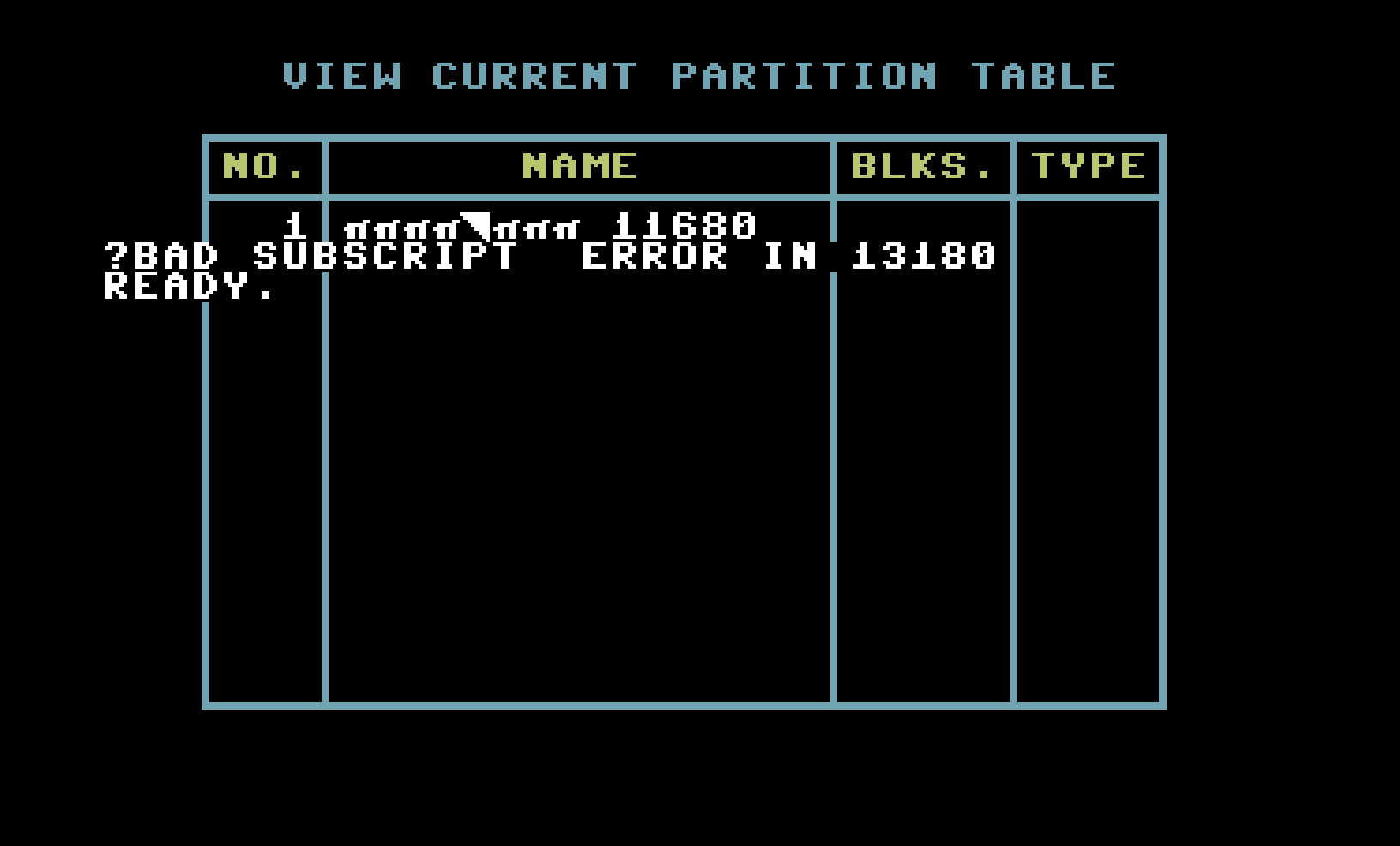
• RAM-TOOLS shows huge blocks available (~16,711,808) but says “insufficient space available” when trying to create any partition.
• Partition table view shows gibberish or errors out.
• Delete All / create partition errors out.
• Device shows “device not present” or “drive not ready” on directory commands.
• New XL tools say “RAM XL board not present”.
• No JiffyDOS wedge (@$ or @ commands do nothing).
• Activity LED sometimes doesn’t blink during access attempts.
The RAMLink partially responds (device number changes and SWAP buttons work), but it never becomes a usable RAM disk or parallel bridge.
Has anyone seen this exact combination on an original RAMLink v2 main board with an XL card or NeoRAM on an Ultimate 64?
Is this a GAL update issue on the main board (Version 2 GAL programming needed for full XL/NeoRAM compatibility)?
Any other suggestions? Thanks!
-Sutehk
This topic was modified 7 months ago by Sutehk
Topic starter
Posted : 30/03/2026 7:23 am

Running an Ultimate 64 with a RAMLink.
Picked this out of another thread, thought it deserved it's own. As mentioned in that previous thread, I've successfully used the RAMLink (new and my reproduction) with my Ultimate 64 board. It seems that not many people have done it, or at least documented what they did to get it to work.So this aft, I wanted to be able to repeat the configuration on another U64 board (ya, I have more than one). So, I took a new U64 board out of the box and decided to try that. It had the latest U64 firmware on it and NOPE, didn't work. I checked the firmware on my machine where the RL does work and that's firmware version 1.24.
So, after trying to mess with the settings with the most current U64 firmware (unsuccessfully), I started working my way backwards in firmware revisions. 1.37, 1.28, 1.24... and that's where it started working.
It seems that v1.24 is the last version of the U64 firmware that seems to work out of the box with the RAMLink. I have no doubt that there's likely some setting on the later versions of the U64 firmware that could make it work, but I have not found it.
For the time being, flash the board back to 1.24 and it'll work. Here are the setting screens from my board.
In the mean time, it seems like now would be a good time to present this to Gideon Zweijtzer, maybe he could suggest why 1.24 works and later versions of the firmware don't. Would be awesome to leave this old firmware version behind and make my board current, but I'll sacrifice the updates for RAMLink compatibility right now.
That was from may 2025. And from july 2025:
Gideon is aware of the problem, and knows how to bring back the compatibility (something about a second PLA / timing or something like that) which he had to do to add the acceleration he said. But what can I say... the man would have to say for himself if he plans on fixing it. Said he knows what would need to happen to make it work. Wish he would. All I can do is ask, and I've done that... Never happened though. I get it, the guy's a busy dude... certainly on MY nice to have list.
I would try to make sure that the RAMLink is working on a real C64. If that will work, then the bug does still exist on the U64 firmware.
Posted : 09/04/2026 12:10 am
Sutehk reacted
I did think about trying it on an original C64 but honestly didn’t as I had not found anyone saying they couldn’t run their Ramlink on an ultimate.
Thank you you for responding with this. I actually have a new reproduction Ramlink coming as I figured fixing the old one would be challenging at best and sending to someone would be time consuming. Hearing this though doesn’t bode well for a new Ramlink working with the Ultimate Commodore 64….
The new firmware just came out for the Commodore Ultimate so I should retry the Ramlink I have perhaps.
Have you opened a ticket for Gideon to look at what you’ve found with the firmware regression?
There are several issues with the Ultimates running more niche use cases. It seems they concentrate on making games work and productivity and BBS hardware and software takes a way back seat if addressed at all.
-Sutehk
Topic starter
Posted : 09/04/2026 5:18 am
Aha! I hope the comments get addressed! CoreI64 Guy makes some great reproductions and he is really on top of how CMD stuff works.
Thanks for the info!
-Sutehk
Topic starter
Posted : 10/04/2026 11:06 am